I have been putting off getting a new studio PC for ages to replace my aging HPZ 420. I had started to collect the components in order to build one. I had spec-ed out the components in the summer and returned to it in the winter to see that the RAM I had seen for a reasonable €150 was now listed at €700! (Thanks Data-Centres!)
I became clear that these prices were going to stay elevated for a while but I still desperately needed a new PC. I decided that I needed to get something before the prices of built systems started to increase as well. I opted for a GMKtec AMD Ryzen 7 M5 Ultra Dual LAN 2.5G Mini Computer, 32GB 1TB, The specs were good enough for now and I would have AV uses for it after I get around to building a new main PC.
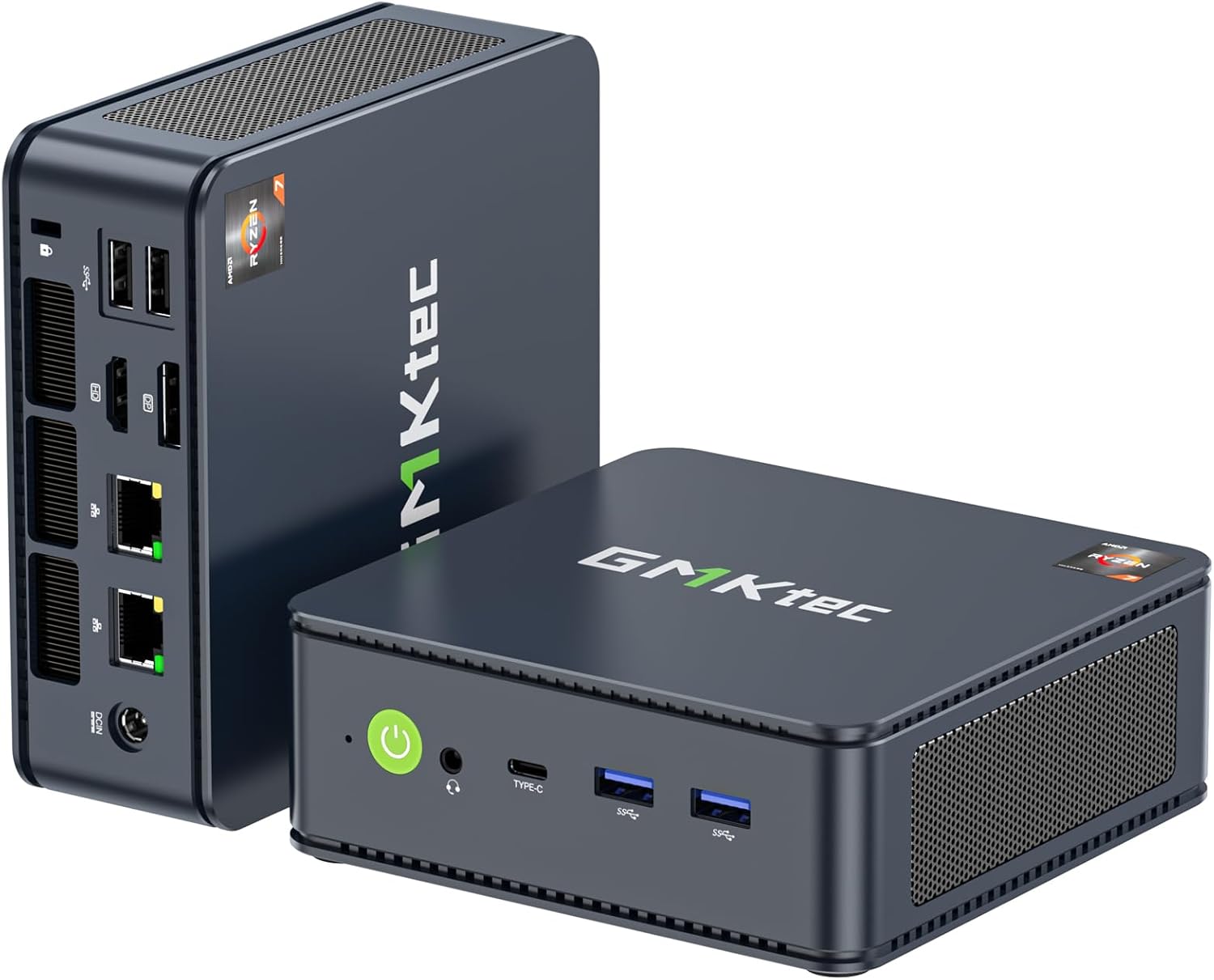
I was very impressed with the small size and performance of it after it arrived. I immediately thought I could make use of this and make the whole setup more portable. This would enable me to move my main PC around where-ever it is needed.
I really liked the way the Octatrack Travel Case worked Octatrack Travel Case and decided to use the same concept for the case. I thought it would be great to use a touchscreen in the unit and make use of the PC’s USB-C display output. I had also seen James Holden’s recent build of a live performance PC in which he 3D printed a case to contain PC components James Holden portable PC
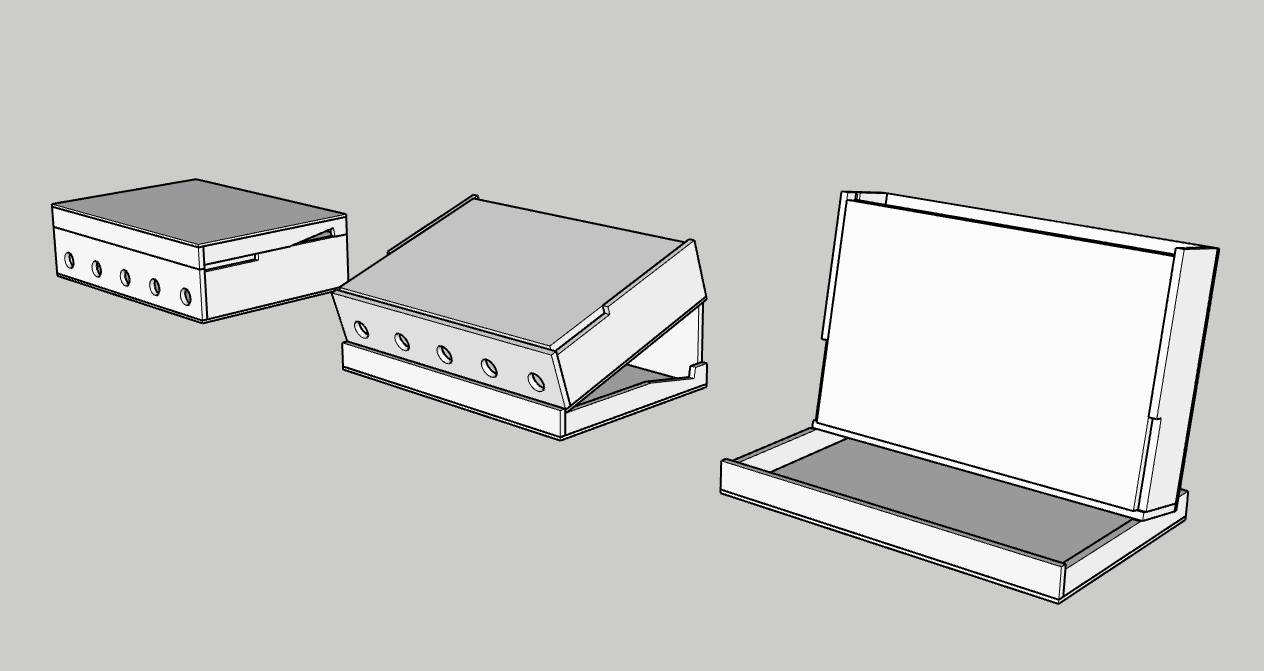
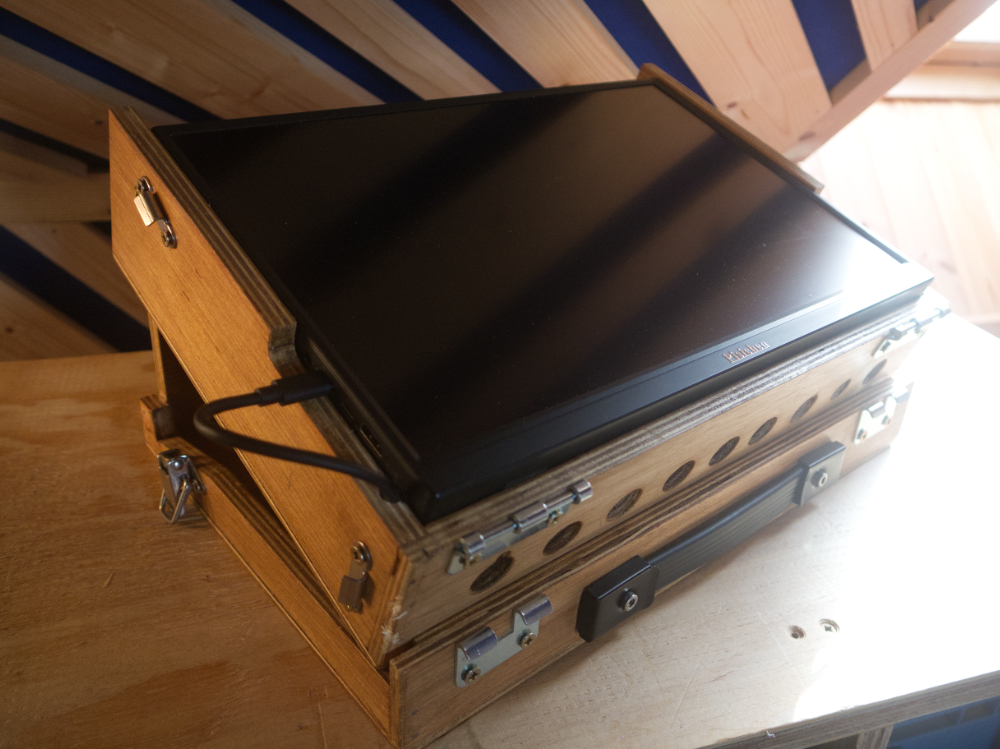
The resulting case works quite well. It packs up in a secure, portable format.
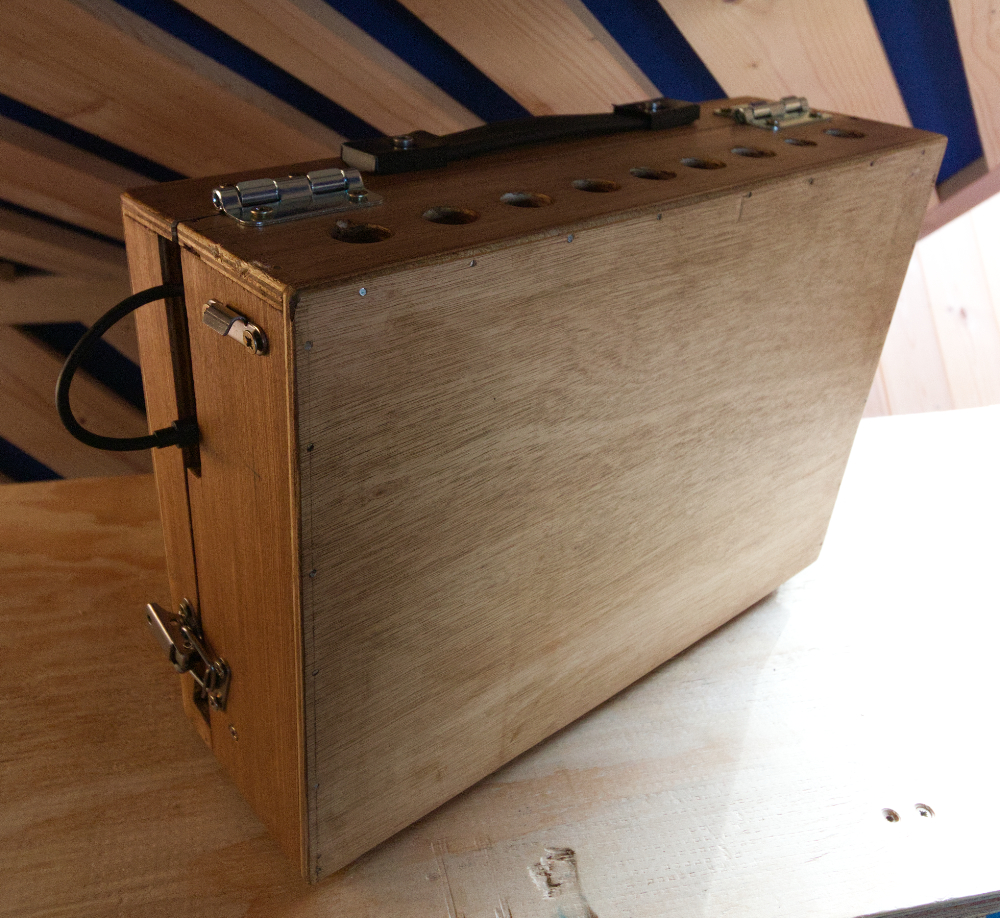
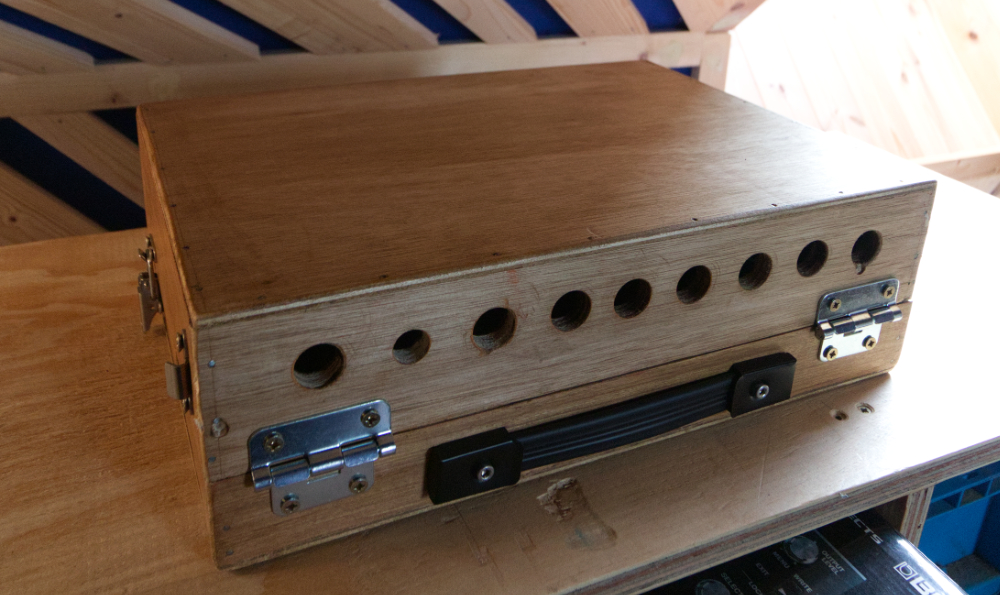
One annoying part yet to be solved is the USB-C cable. I have so far tried 4 different cables. Only one of them works for the video transmission. I needed an angled cable to fit neatly but every one I tried didn’t work despite saying that it was a data cable. It is so annoying that there seems to be no way to tell between a standard charging cable and a data cable. I gave up in the end and went for simply disconnecting the cable when needed.
I was worried that when in the laptop configuration, it would be top-heavy and want to fall backwards. This didn’t seem to happen. I managed to add the catches in a way that secured the top to the bottom and were also used to keep the two halves closed when in travel mode.
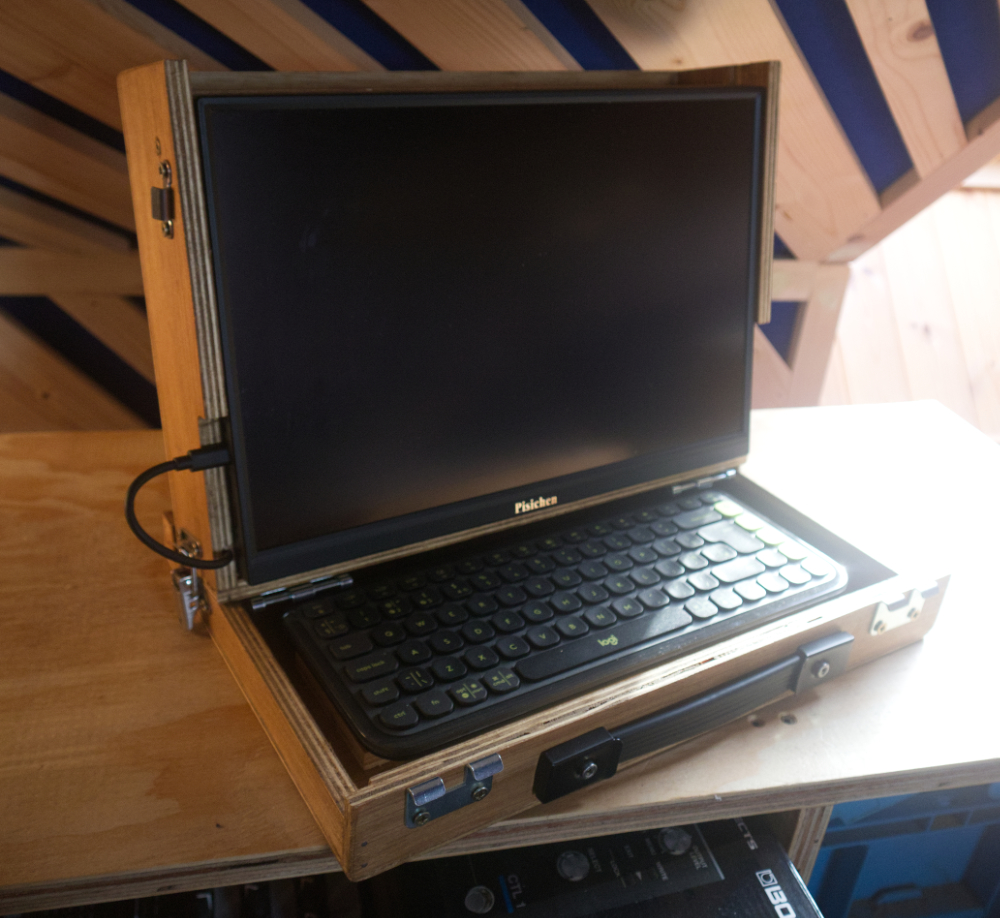
The table top configuration can be used when standing at a table and has the added benefit of not looking like computer if being used in live music performance situation. The keyboard can be removed and used beside this if needed.
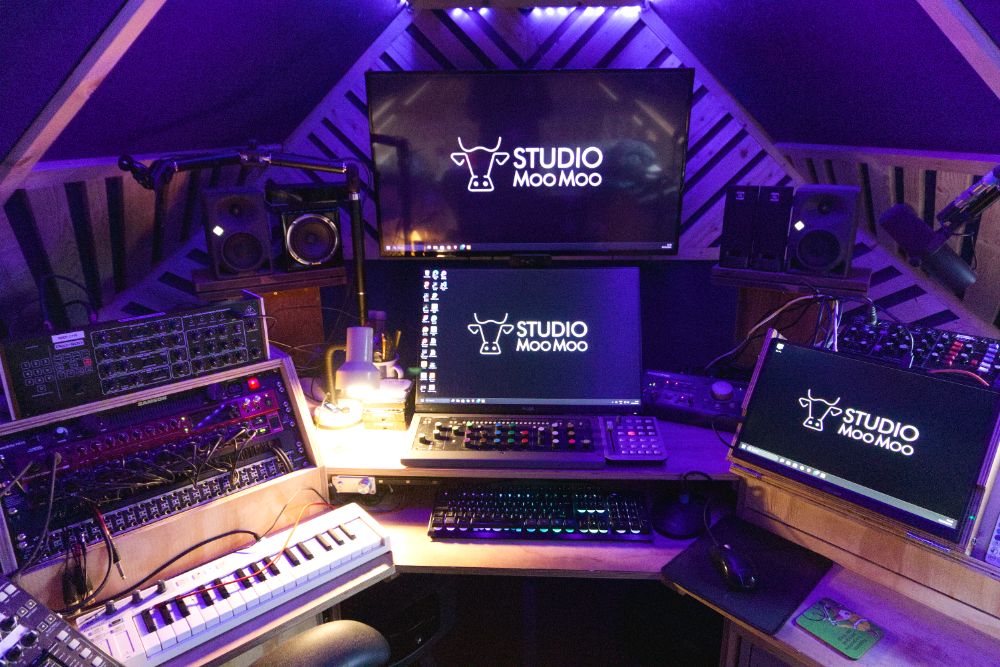
After moving my studio desk contents a bit, I was able to position the top part of the case on a place previously used for housing my push 2 controller. This works great here and provides a touchscreen interface. I am looking forward to developing and using touch controllers in this position.
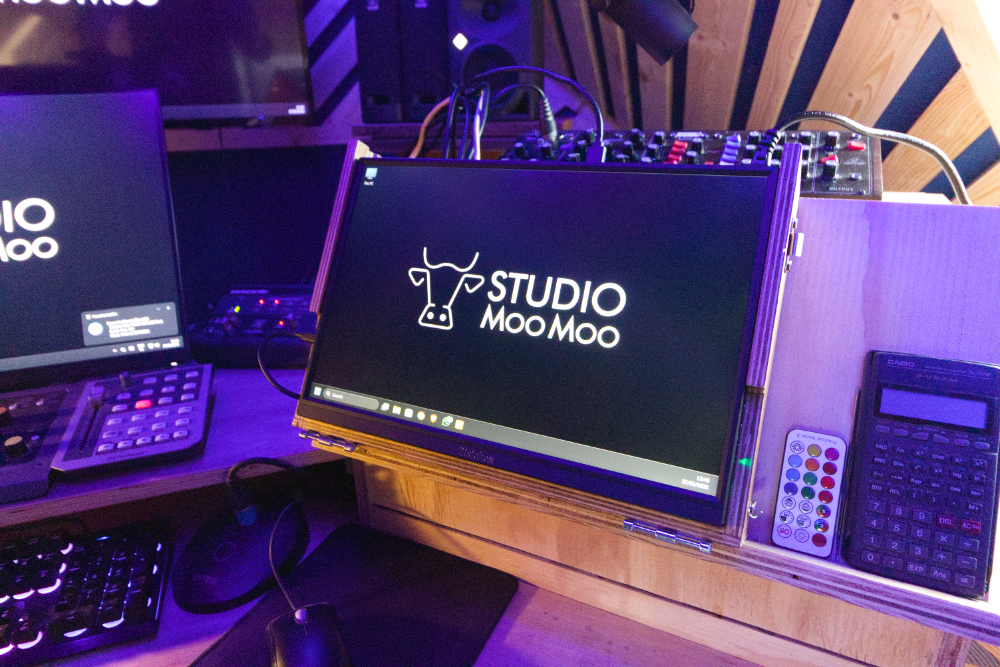
I did think that I may as well have brought a laptop which would be smaller and would include a battery. In reality, buying a laptop with the same specs could cost €700-800 so this solution will work for now.